A good monitor makes every hour at your desk easier on your eyes and your neck. The right choice depends on your desk, your computer and what you do on screen. This guide explains the four things that matter most: size, resolution, panel type and connections.
Size and resolution go together
Bigger screens need more pixels to stay sharp. A rough guide:
| Screen size | Common resolution | Good for |
|---|---|---|
| 22 to 24 inches | Full HD (1920 x 1080) | Office work, homework, a second screen |
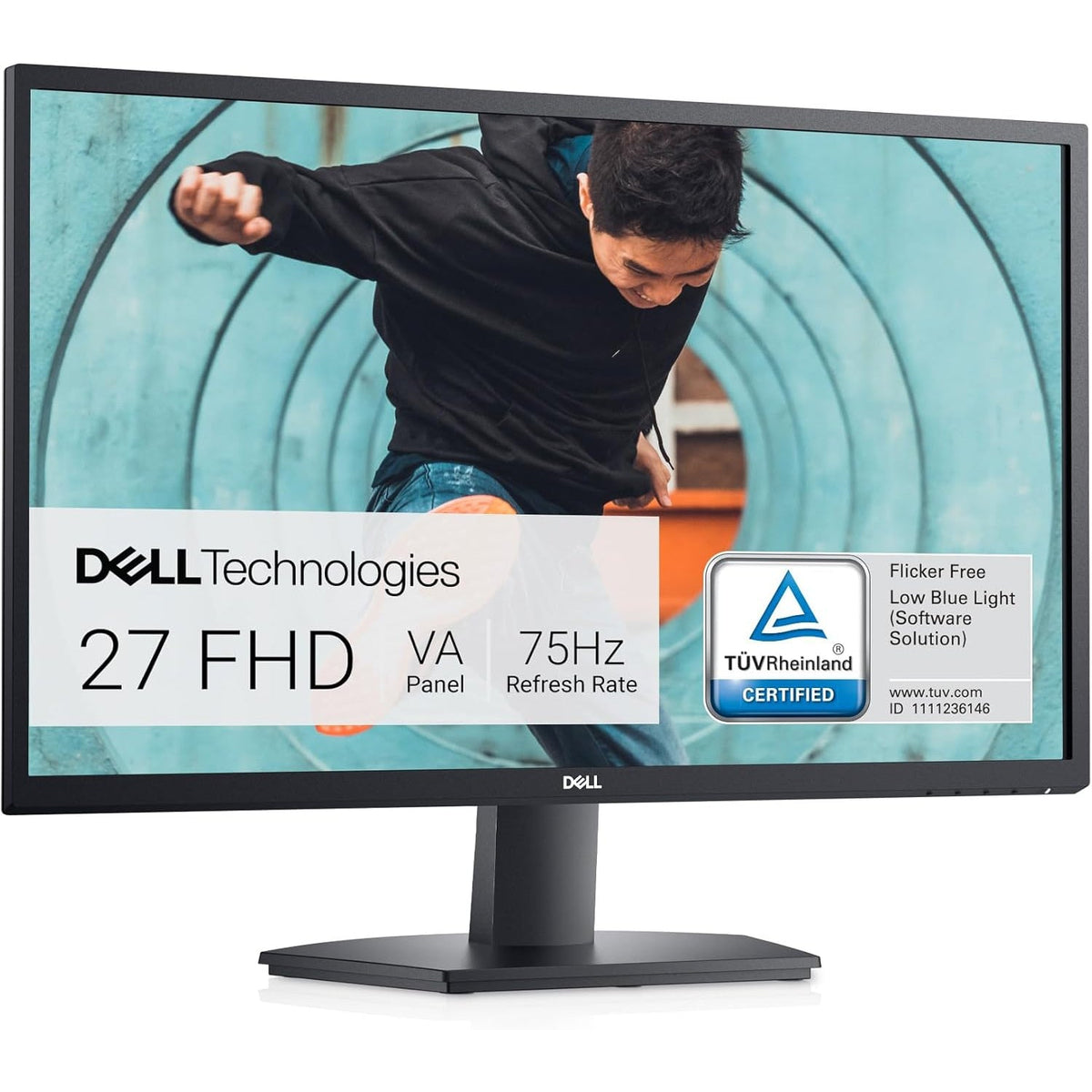
| 27 inches | QHD (2560 x 1440) | All-round use, spreadsheets, photo work |
| 27 to 32 inches | 4K (3840 x 2160) | Detailed creative work, large workspaces |
If you sit about an arm's length from the screen, 24 to 27 inches is comfortable for most people.
Panel types, in plain words
- IPS: the best choice for most buyers. Colours look accurate and stay consistent when you view the screen from an angle.
- VA: deeper blacks and higher contrast, which suits movies. Viewing angles are a little narrower than IPS.
- TN: very fast response, usually found on older or budget gaming monitors. Colours and viewing angles are weaker.
Refresh rate
The refresh rate is how many times the screen updates every second, measured in Hz. 60Hz is fine for office work and video. 75Hz is a small step up. 120Hz or 144Hz makes fast games and scrolling feel smoother. If you do not game, a high refresh rate is a nice extra and not a necessity.
Connections
Check that the monitor has the ports your computer uses:
- HDMI: the most common. Works with laptops, consoles and desktops.
- DisplayPort: usually the best choice for high resolutions and high refresh rates on a desktop.
- USB-C: lets one cable carry video and, on some monitors, power for your laptop. Check the listing for details.
Comfort and set-up
Look for a stand that adjusts for height and tilt, or a monitor that supports a VESA mount so you can use an arm. The top of the screen should sit at or just below eye level. If you work all day, this matters more than a few extra specifications.
Why buy an open-box or refurbished monitor
Monitors are simple, solid devices, so open-box and refurbished models are a good way to save. Check the condition in the listing, look for what is in the box (cables and the stand) and read the specification for size, resolution and ports.
A quick buying checklist
- Pick a size that fits your desk, usually 24 to 27 inches.
- Match the resolution to the size.
- Choose an IPS panel unless you have a reason not to.
- Check that the ports match your computer.
- Confirm the stand adjusts, or that VESA mounting is available.
Ready to compare? Browse our monitors. Not sure which one fits your desk? Ask our team.